How to Use the Portal
Follow these steps to access and browse program contents.
Accessing a Program
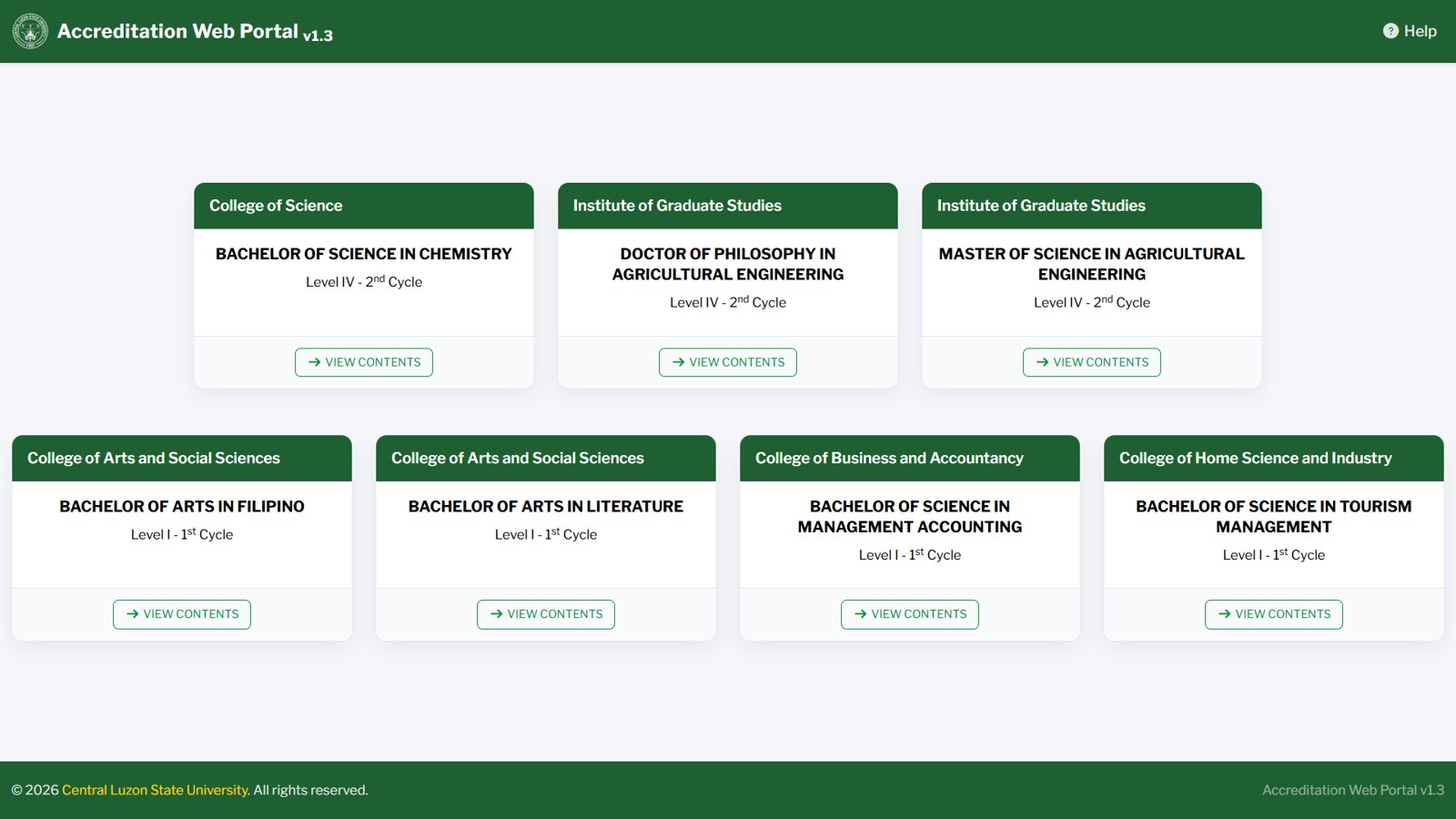
Accreditation Web Portal main screen
1
On the home page, find the program you want to open. Programs are grouped by level. Click VIEW CONTENTS on the program card.
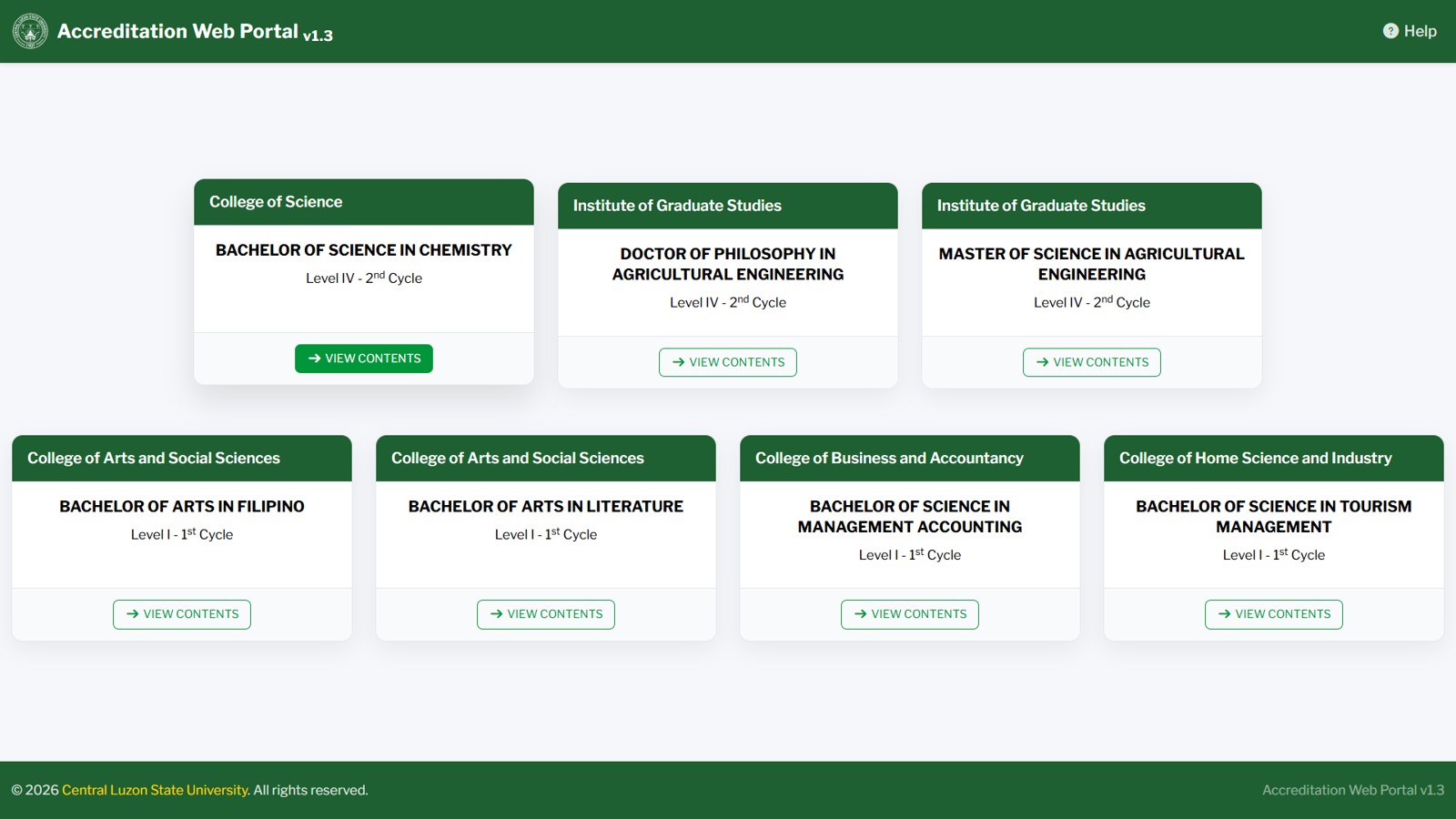
View Contents
2
Enter the program's access password when prompted by the pop-up, then click OK.
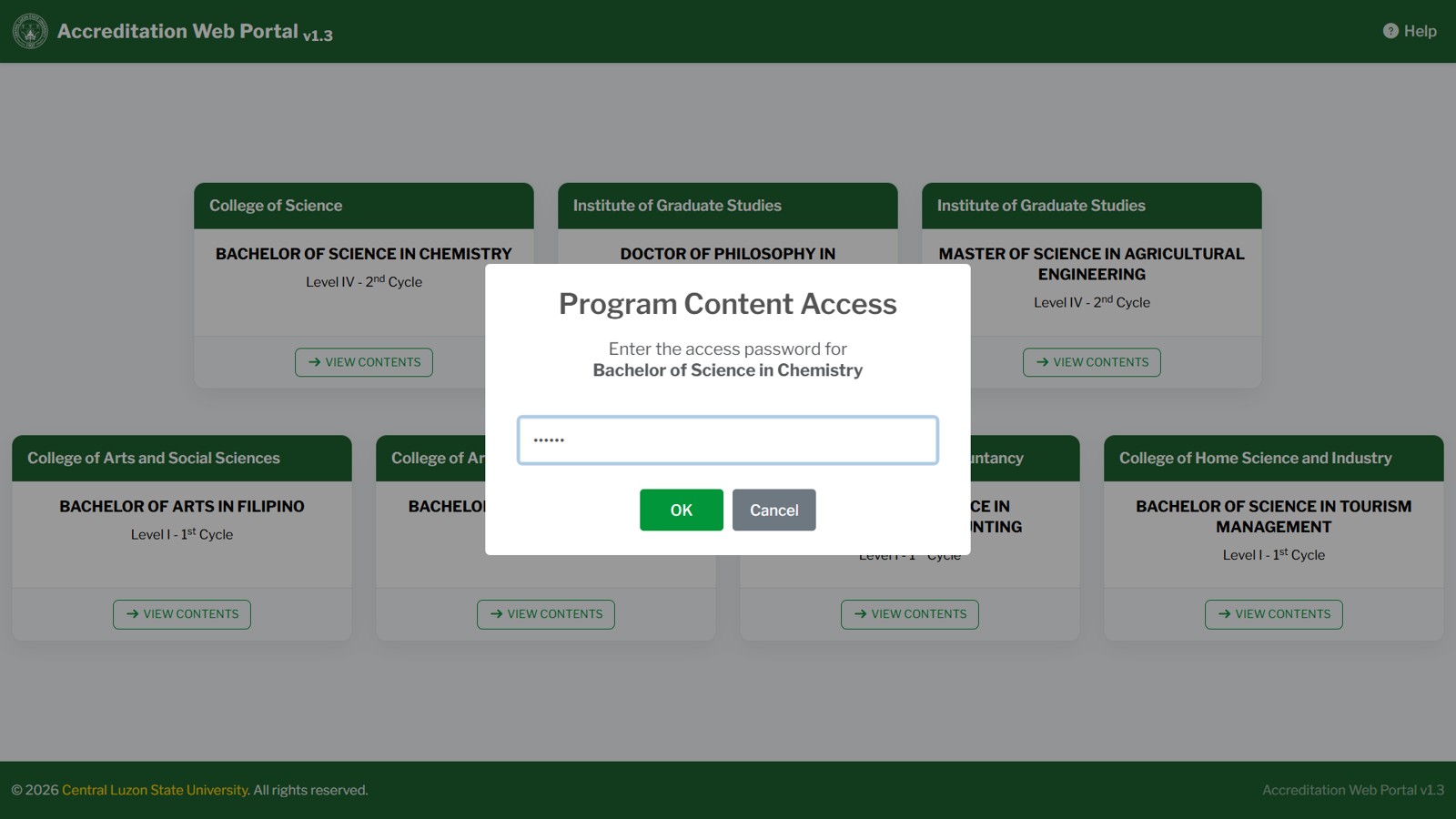
Program Content Access
3
Once access is granted, you will be taken to the program's Program Contents page.
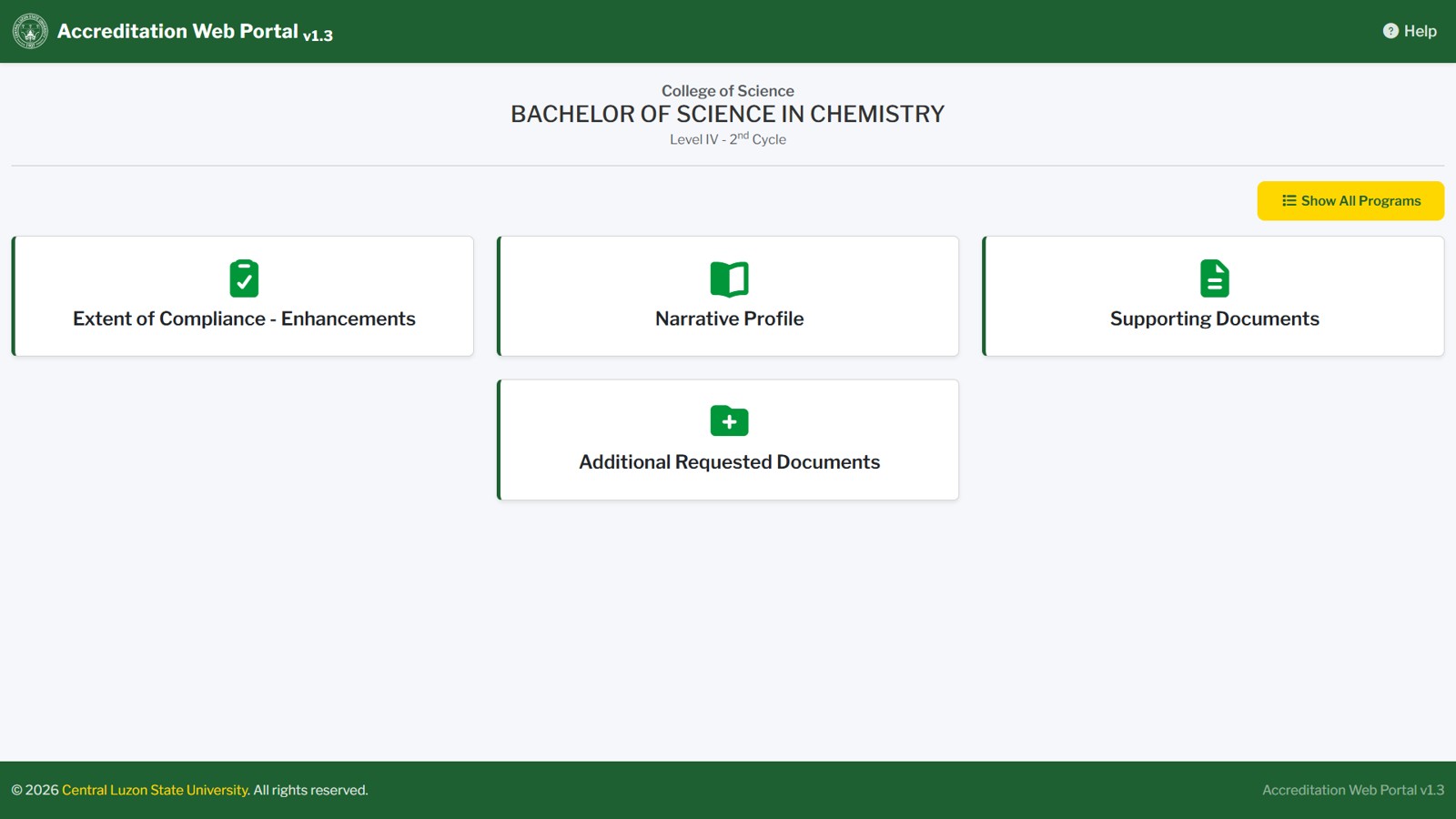
Program Contents page
Choosing a Content Section
4
The Program Contents page shows a card for each content category (folder), such as Extent of Compliance - Recommendations, Narrative Profile, Program Performance Profile, Self-Survey of the Program, Supporting Documents, and Additional Requested Documents.
5
Click a folder card to open the folder contents.
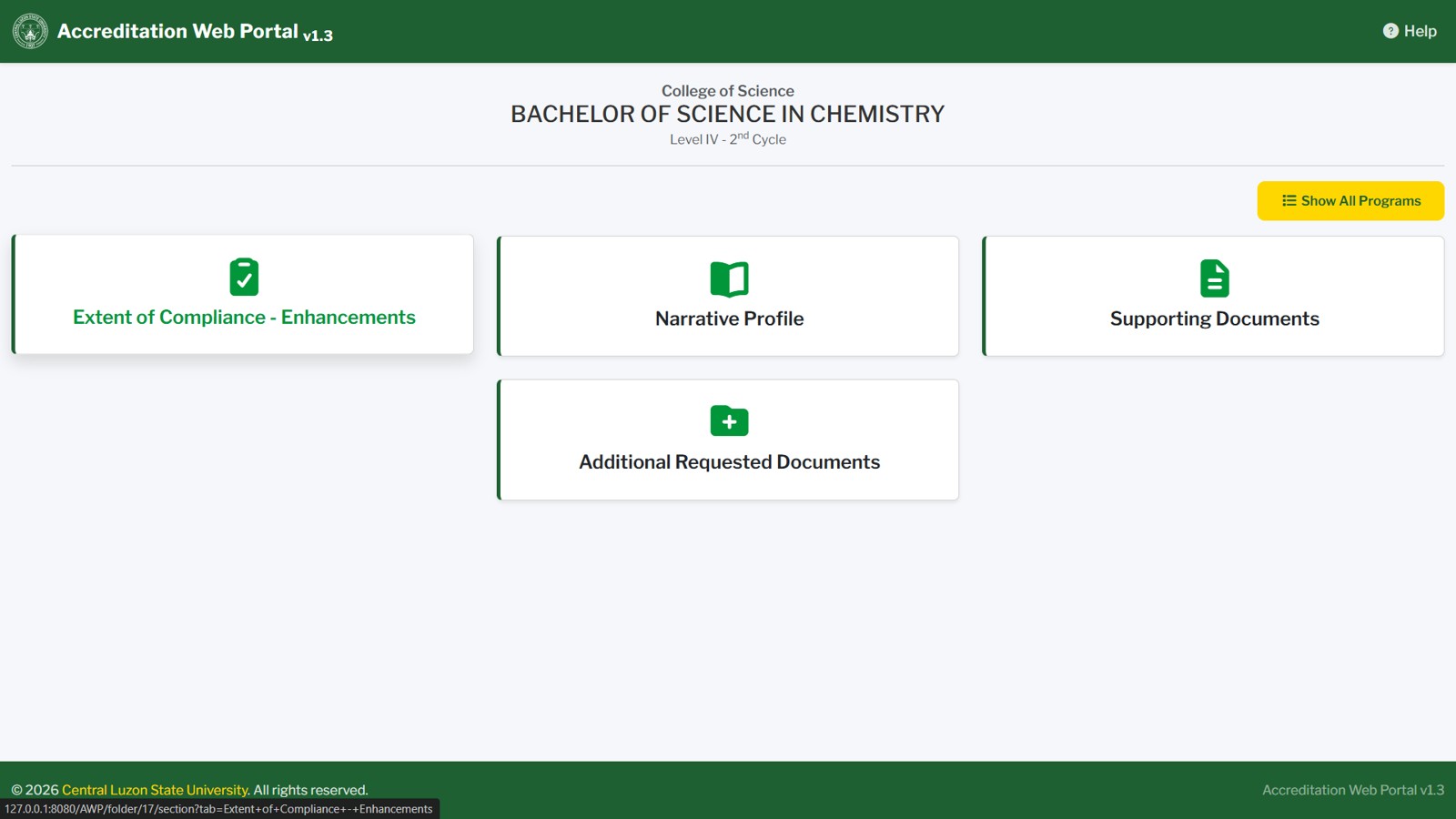
Folder card
Browsing Folder Contents
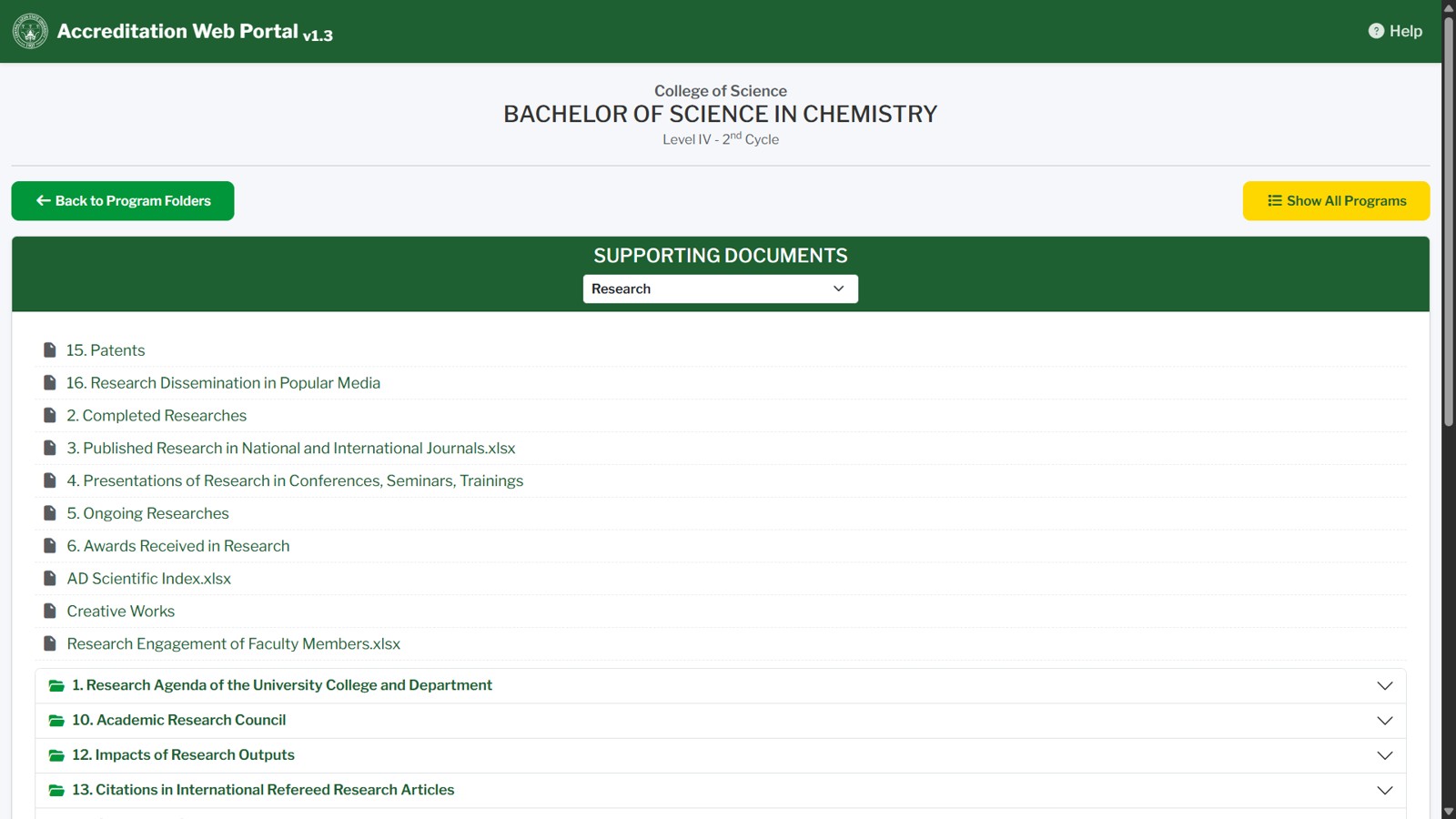
Folder Contents
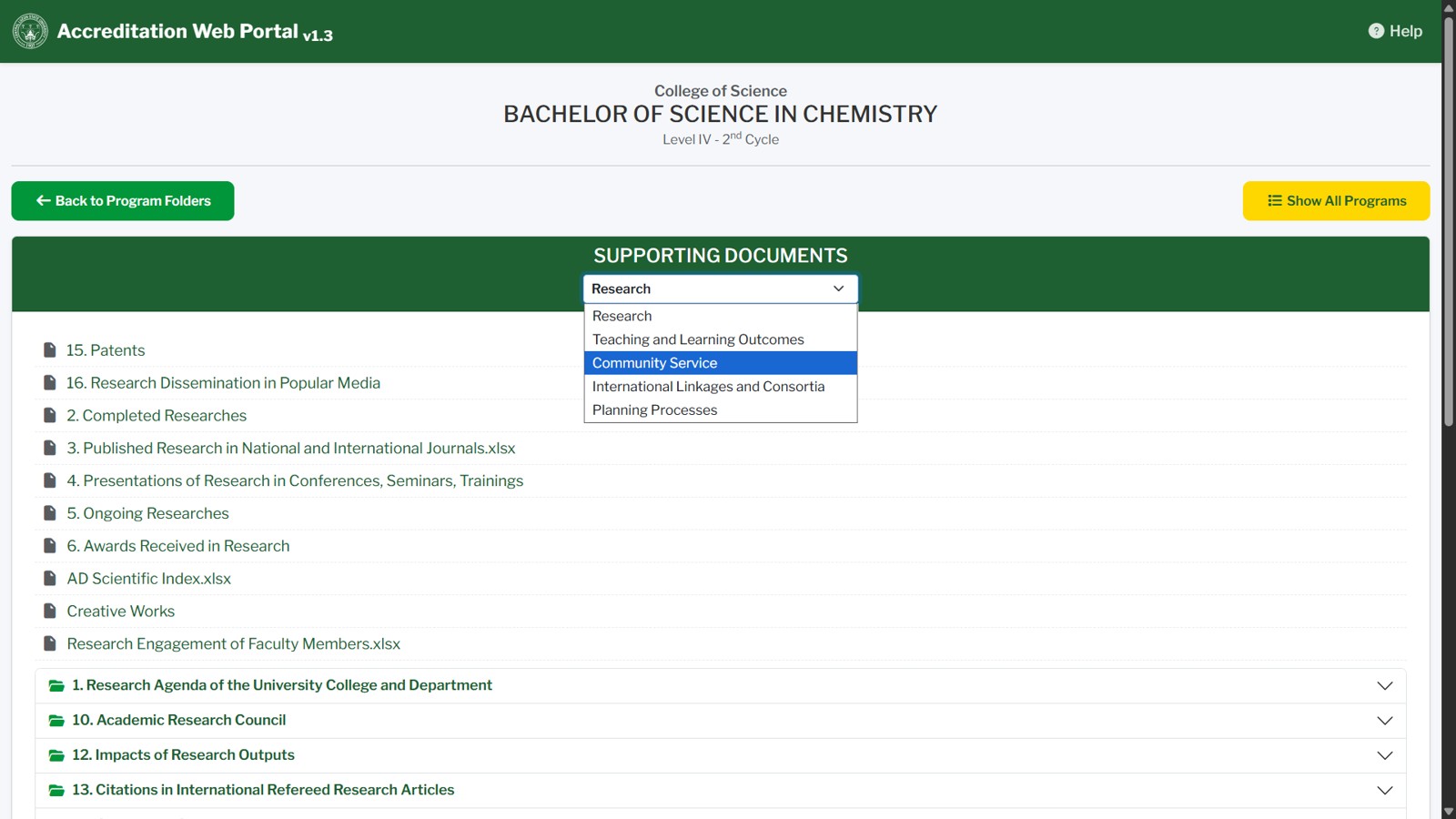
Selecting Folder Contents
6
While the contents are being loaded, a message "Loading contents... Please wait..." is displayed. Wait for the list to appear.
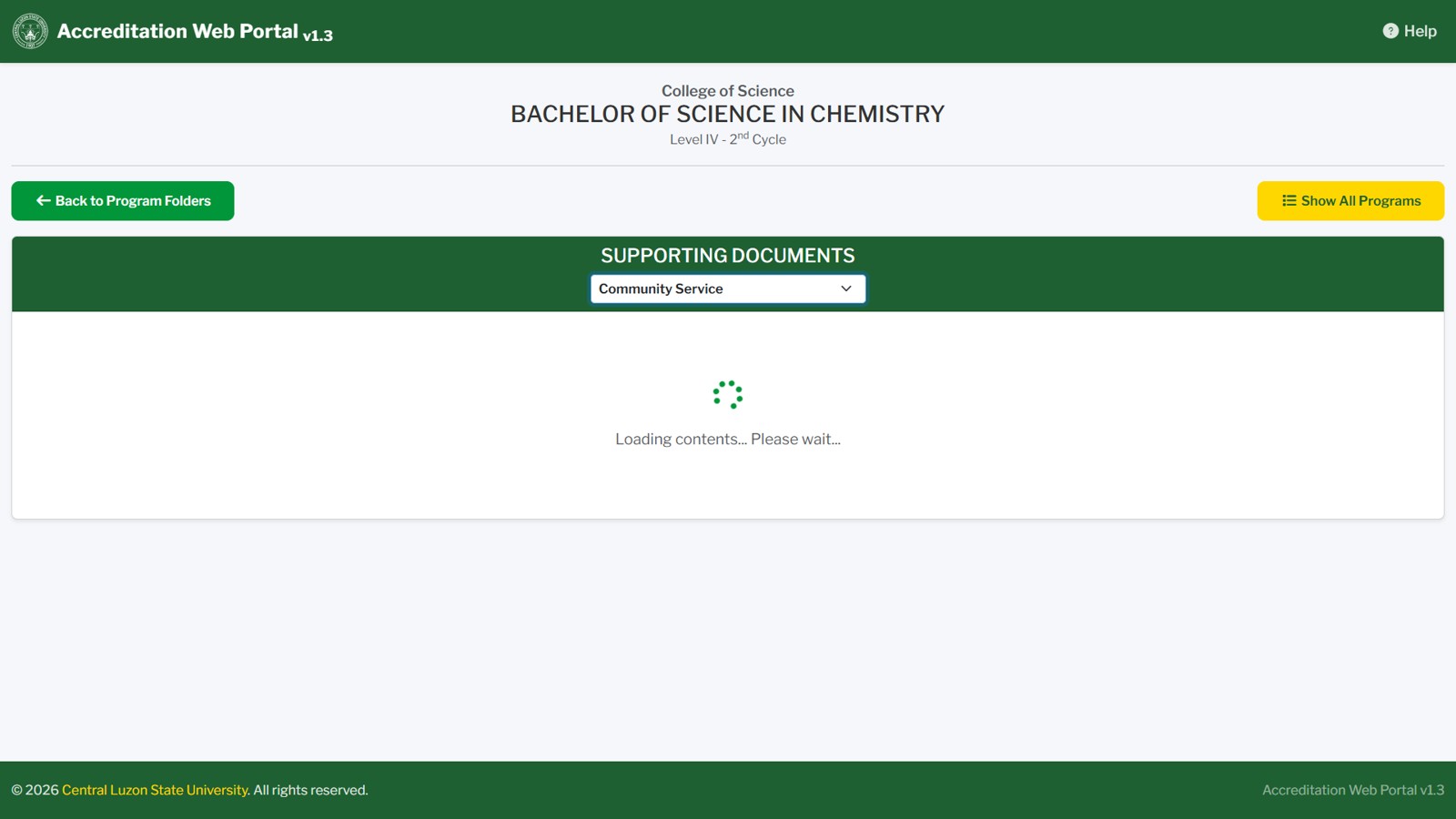
Loading Folder Contents
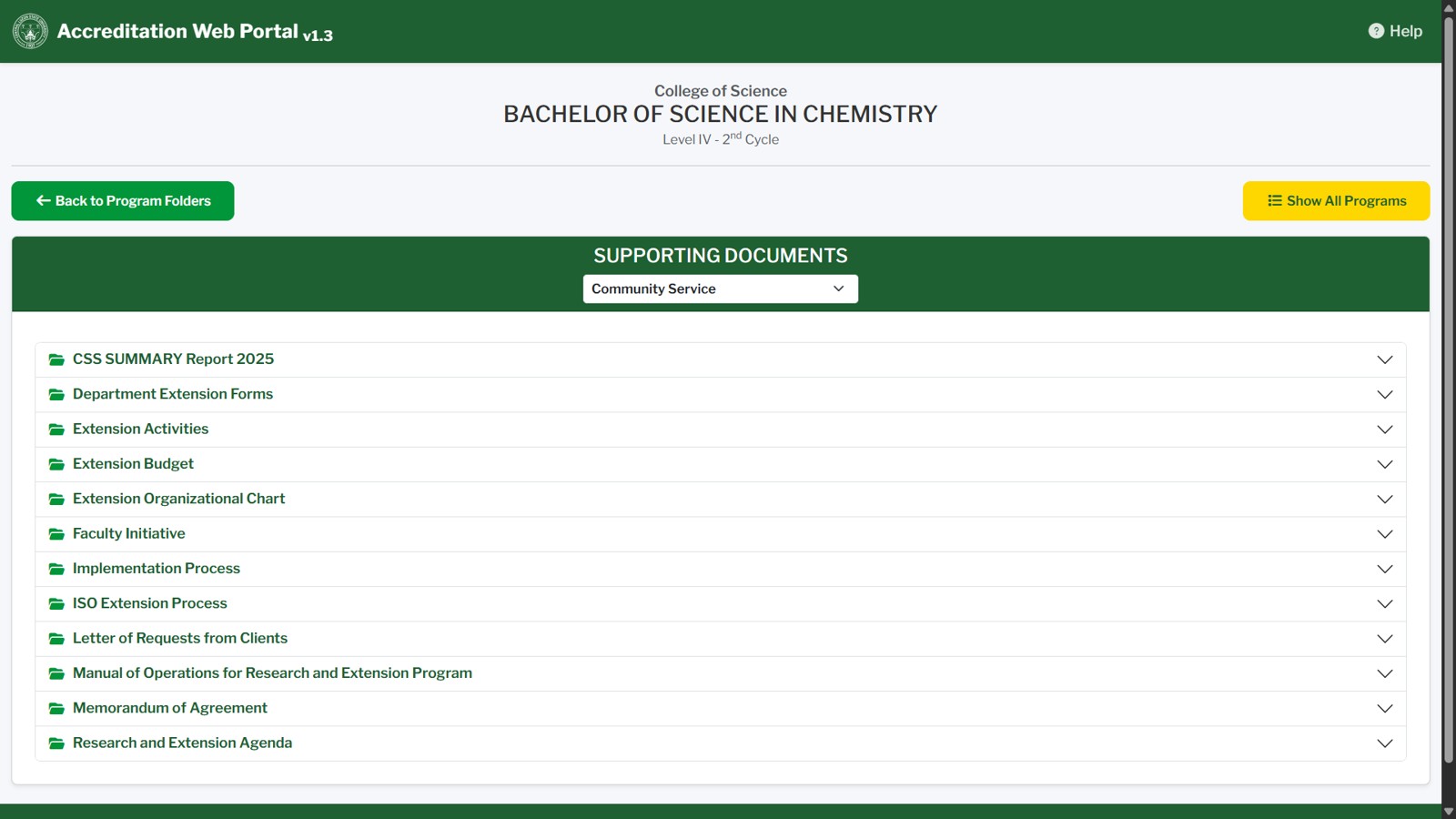
Showing Folder Contents based on Selection
7
The folder contents page shows the currently selected area at the top of the green header. Use the dropdown in the header to switch between the folders (areas) under the same section.
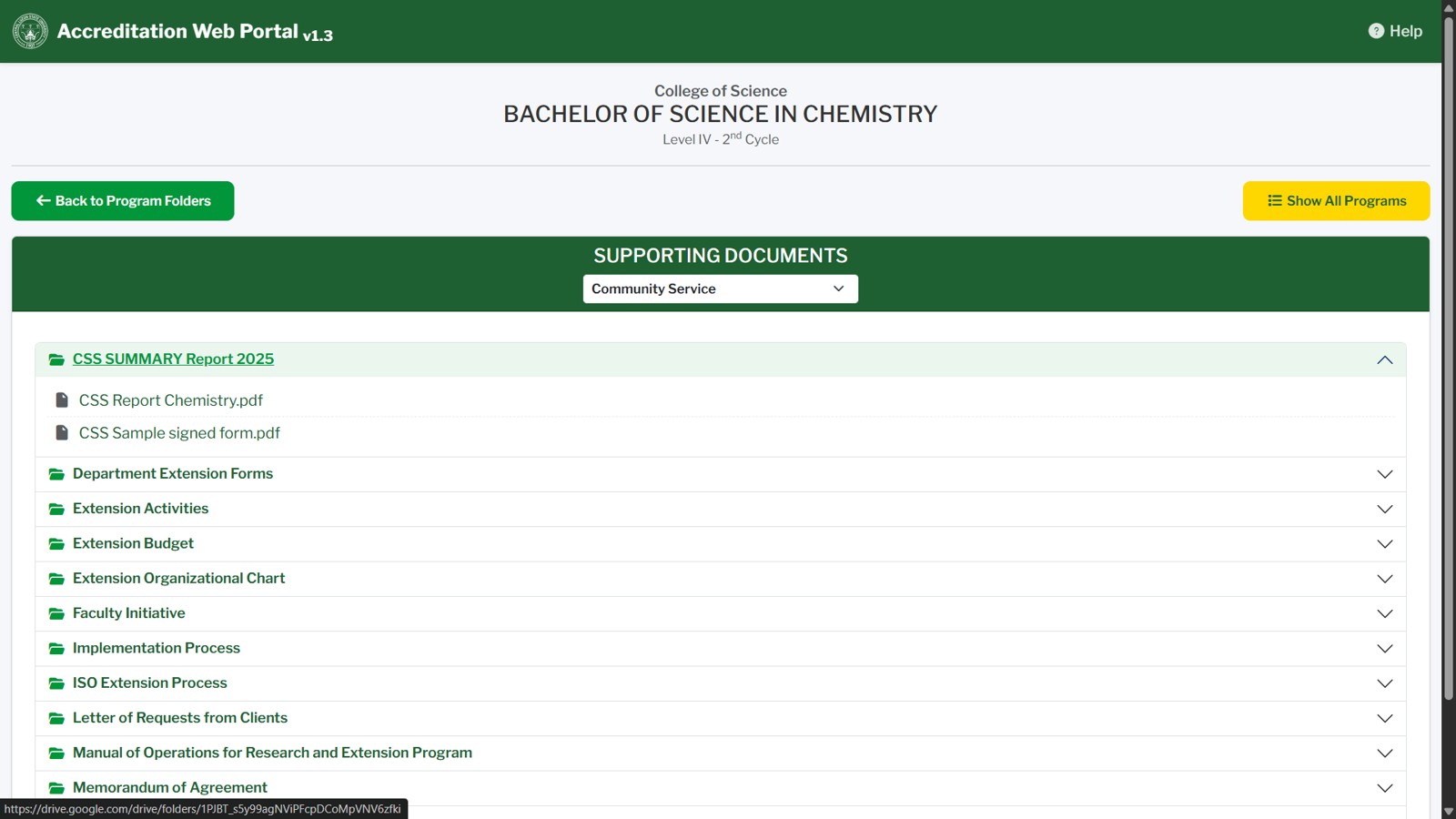
Folder contents page with the Select Area dropdown
8
Subfolders are shown as accordions. Click a folder name to expand or collapse it and view the files inside.
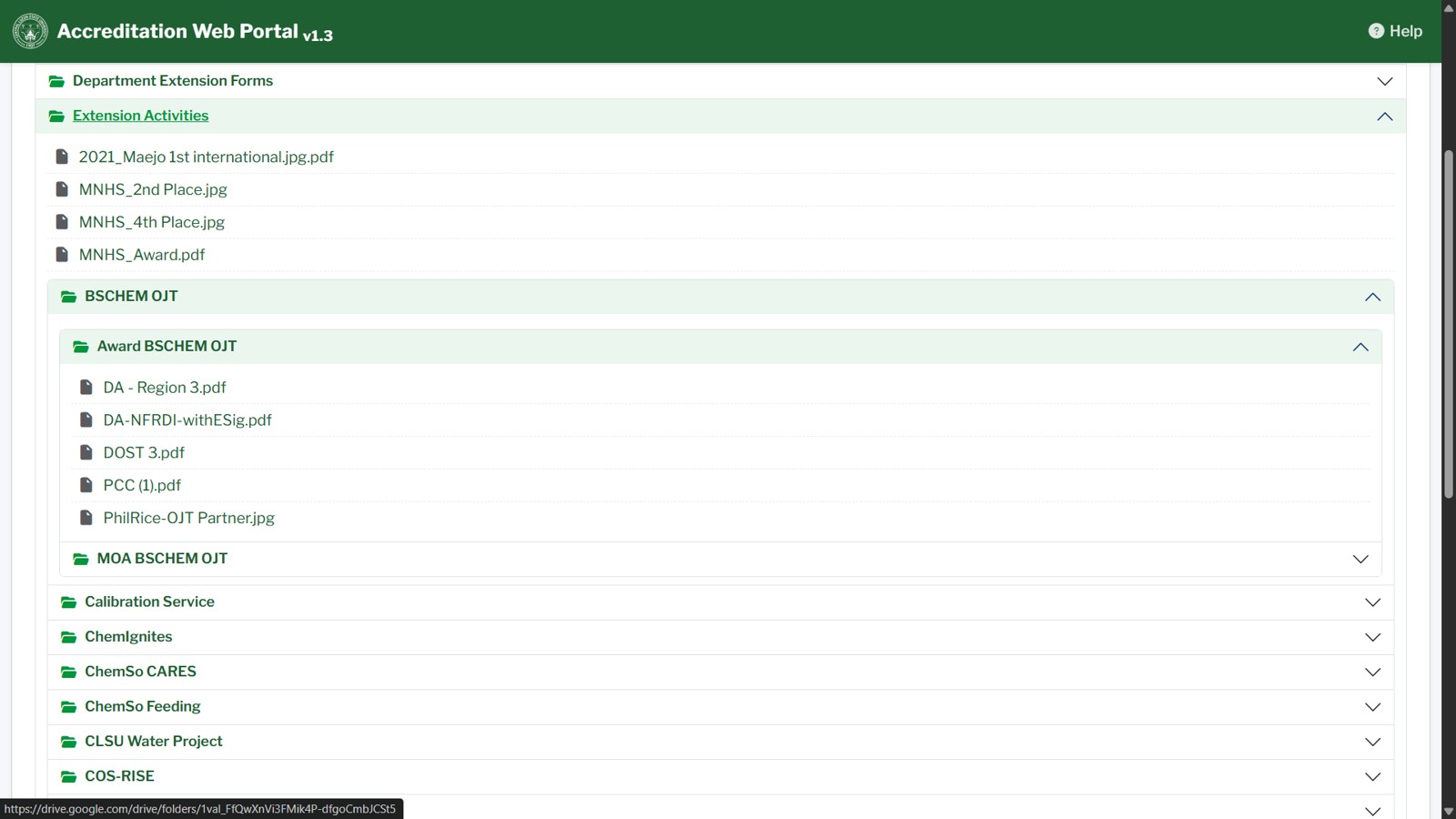
Expanded subfolders showing the files inside
Opening Files
9
Click any filename to open it in Google Drive in a new tab. Folder names that are links also open directly in Google Drive.
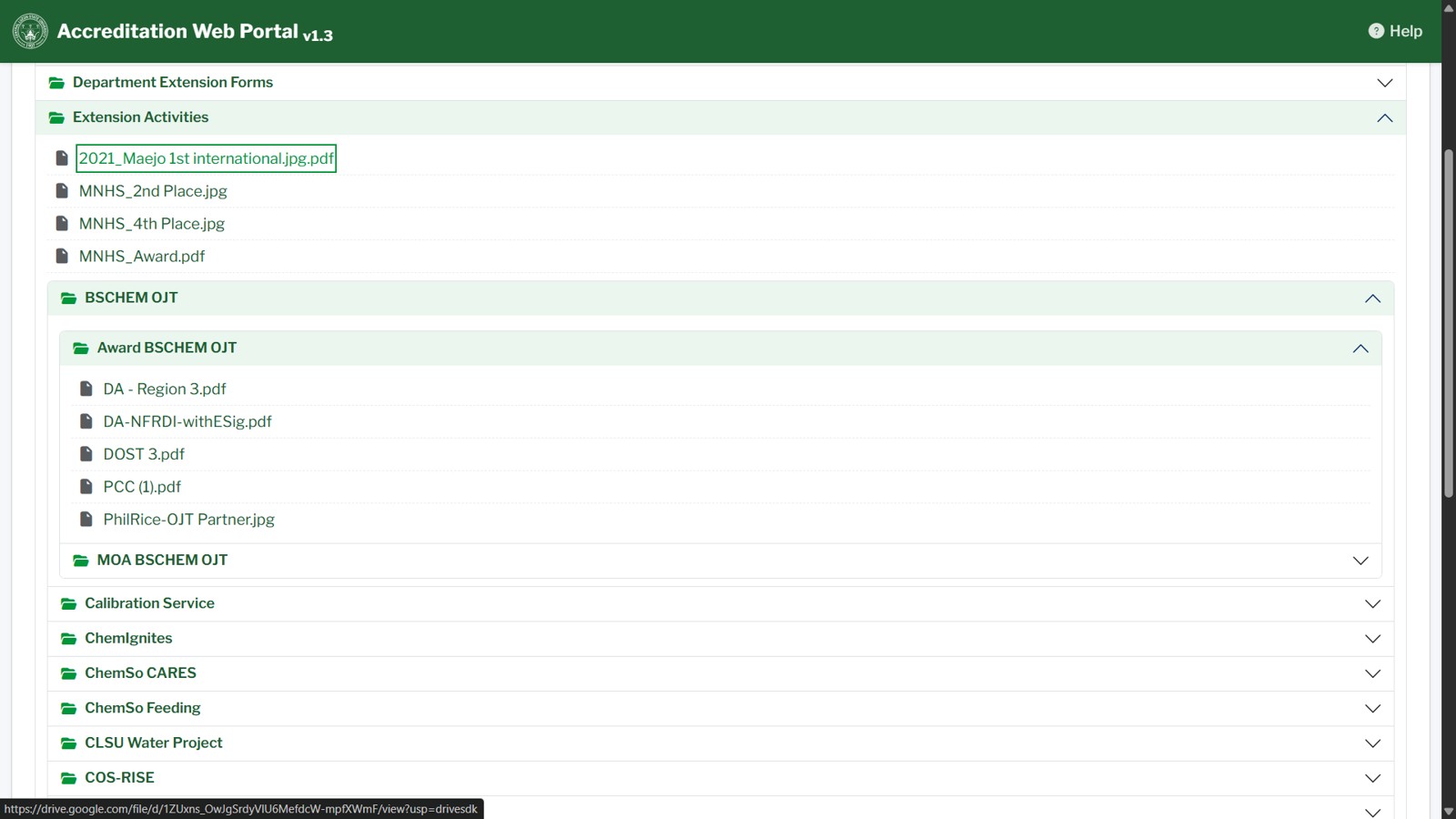
Selected file to open
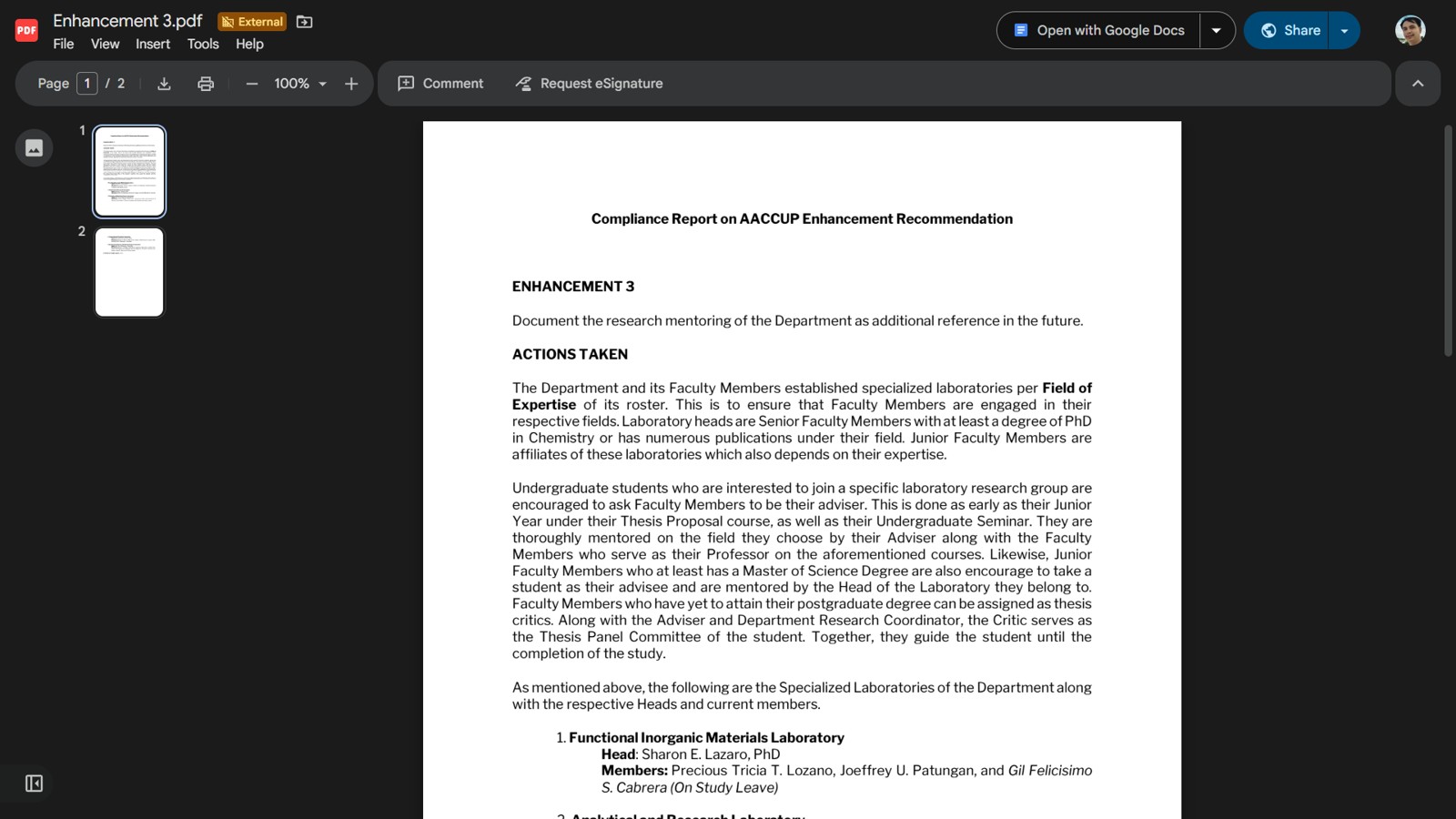
File in new page
Navigation Buttons
10
Use Back to Program Folders (green button) to return to the section cards of the same program.
Back to Program Folders button
11
Use Show All Programs (gold button) to return to the home page.
Show All Programs button
Troubleshooting
12
If the page shows "Contents could not be loaded.", click the Refresh button to reload the contents.
13
If a folder shows "No contents found!", the folder may be empty or its files are shared privately. Open the folder in Google Drive to check its contents.
Tip: If you do not have the access password of a program, contact the program coordinator.